Lights, Camera, Action! The Magic of Virtual Set and Over-the-Shoulder Videos
In the ever-evolving landscape of online content, creating engaging videos has become a vital part of digital marketing strategy. Whether you're a small business owner, a seasoned entrepreneur, or someone just looking to spice up their website, the age-old challenge of producing quality videos can be daunting. Enter virtual set and over-the-shoulder videos. Your secret weapons in crafting informative and attention-grabbing content in a flash!
What Are Virtual Set and Over-the-Shoulder Videos?
Imagine being able to create a professional-looking video without fancy equipment or a degree in film production. Virtual set videos give you the chance to shoot in a virtual environment, immersing your audience in a captivating setting that resonates with your brand. Over-the-shoulder videos, on the other hand, focus on giving viewers a detailed look into your processes or insights, making them feel like they're right there with you, learning and engaging.
Together, these two styles can help convey your message in a dynamic and informative way. Whether you're showcasing a new product, delivering a tutorial, or sharing valuable insights, these videos can be tailored to fit your unique needs.
Why Use These Video Styles?
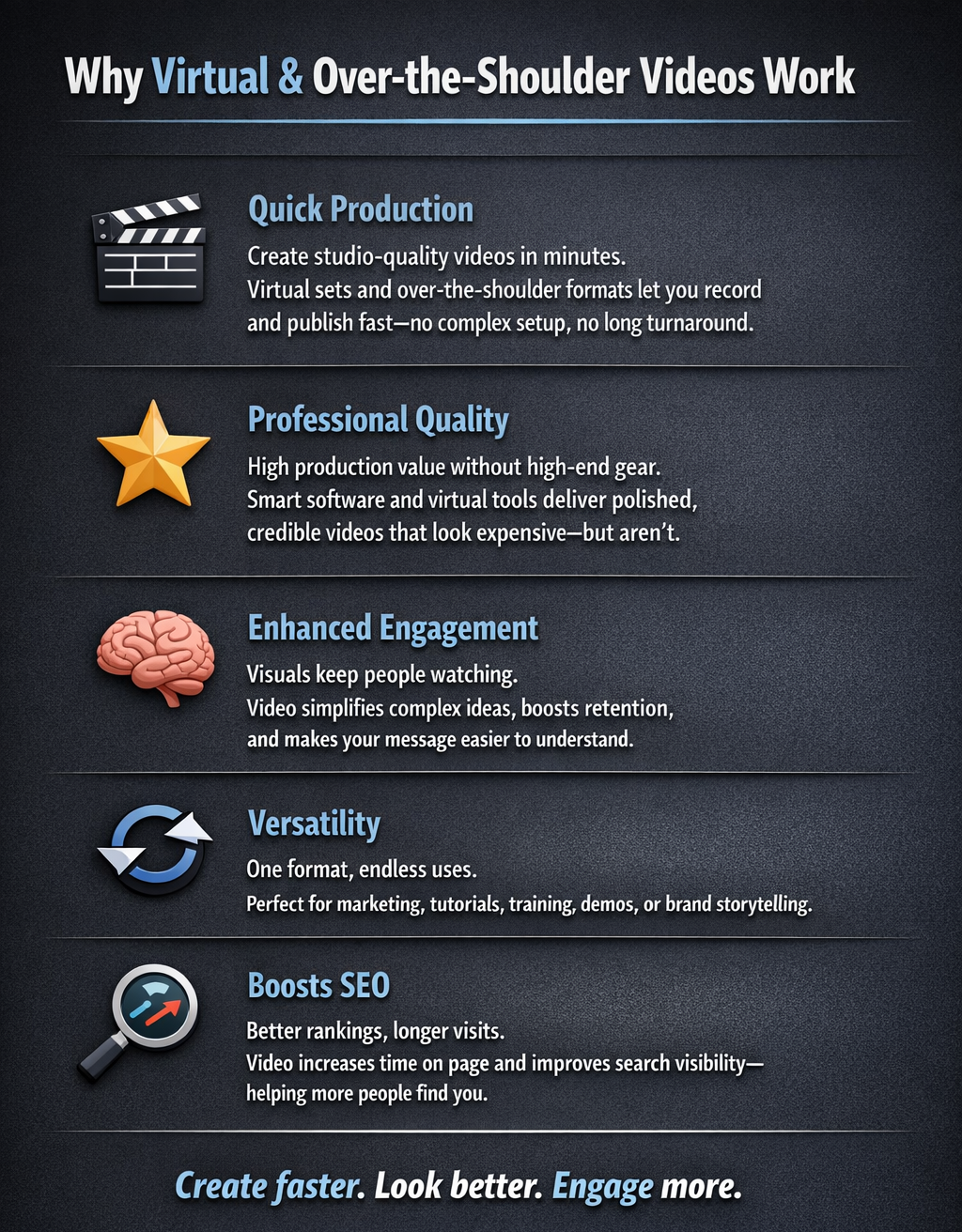
- Quick Production: In a world where time is money, virtual set and over-the-shoulder videos allow for rapid video creation. With just a few clicks, you can record and produce content that looks like it was taken straight out of a Hollywood studio.
- Professional Quality: You don't need top-of-the-line cameras and equipment to make great videos. With the right software and tools, you can achieve high production value that enhances credibility and keeps your audience interested.
- Enhanced Engagement: People love visual content, and videos are one of the most effective ways to communicate. Both virtual and over-the-shoulder videos help break down complex information into digestible pieces, making it easier for your viewers to engage with and retain the information.
- Versatility: These video formats can be adapted for various purposes, whether it's marketing a product, providing a tutorial, or sharing your brand story. The possibilities are endless!
- Boosts SEO: Let's not forget the SEO benefits. Adding engaging videos to your website can improve your search engine ranking and keep visitors on your site longer: a double win for your visibility!
Crafting Your Message
When you decide to leverage virtual set and over-the-shoulder videos, it's essential to have a plan. Start with a clear message; what do you want your audience to learn or feel? Outline your content carefully, ensuring that it flows naturally. You can also sprinkle in a bit of personality: don't be afraid to let your unique voice shine through!
Remember, authenticity resonates with viewers. Share your experiences, insights, and tips, and you'll create a connection that keeps them coming back for more.
Get Started Today!
Are you ready to take your video content to the next level? Check out Website Talking Heads for more information on how to create stunning virtual set and over-the-shoulder videos. With the right approach and tools, you'll be well on your way to producing informative and engaging videos that captivate your audience and enhance your website.
In the world of digital marketing, every second counts: don't let your message get lost in the noise. Jump into the exciting realm of video creation and watch your online presence flourish!
Happy filming!
Click Below to View Sample Template Videos
-
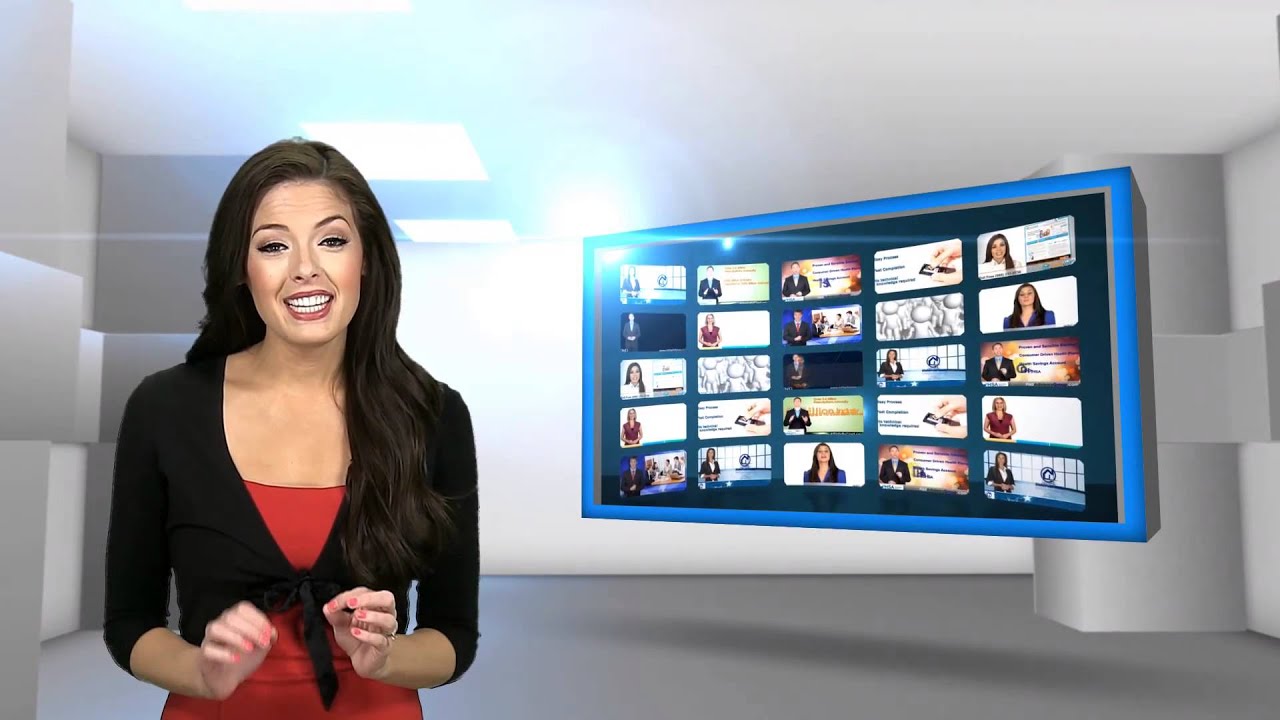
'Passive Resistance'
-
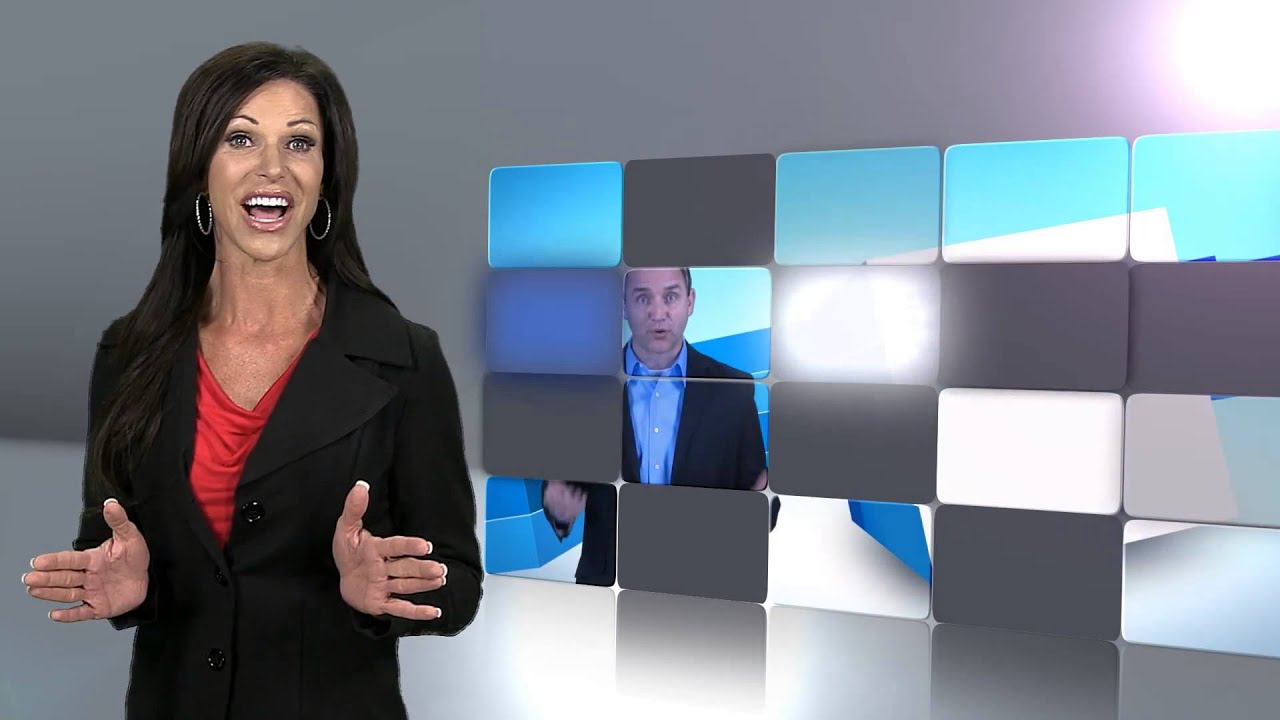
'Grid Science'
-
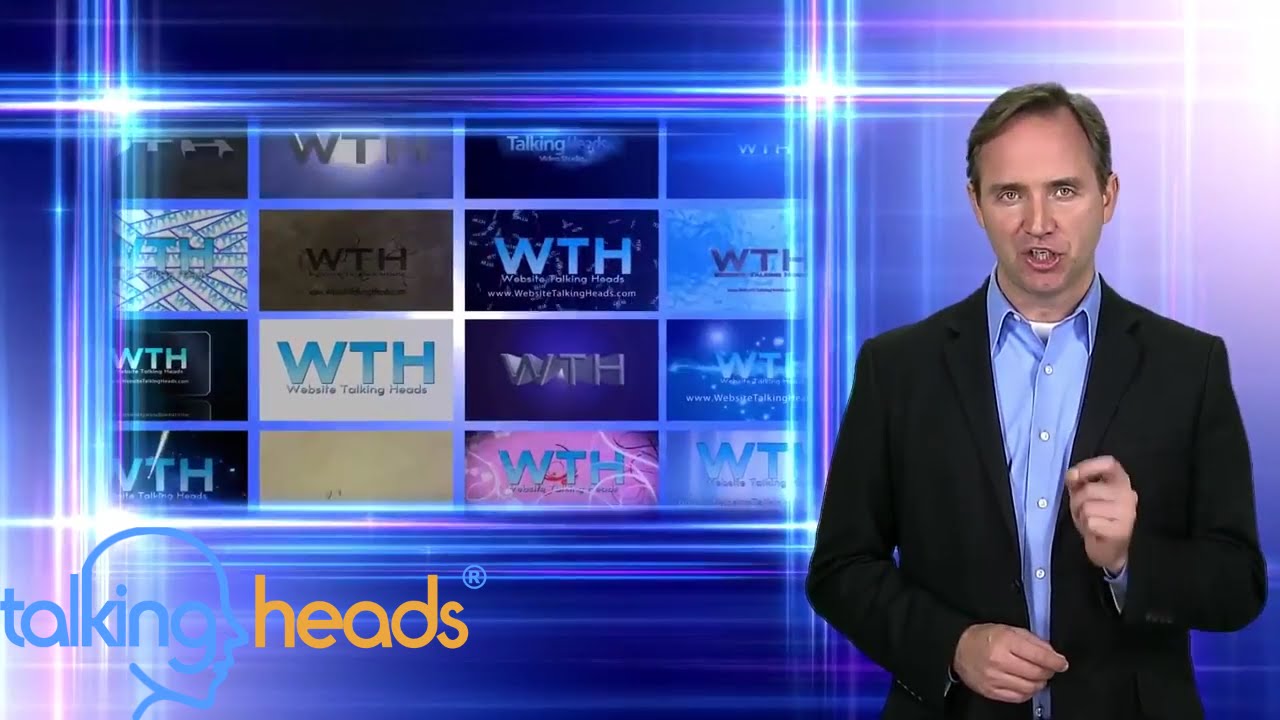
'Framed by Light'
-
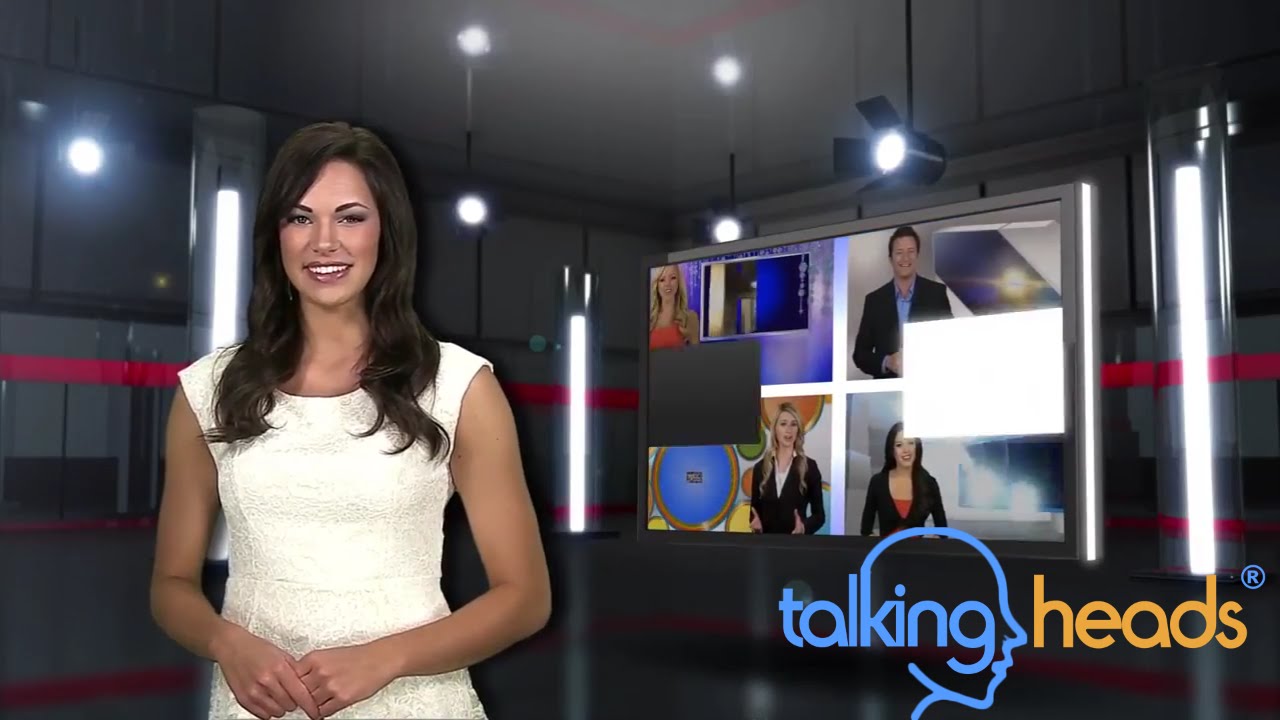
'Techno Popup'
-
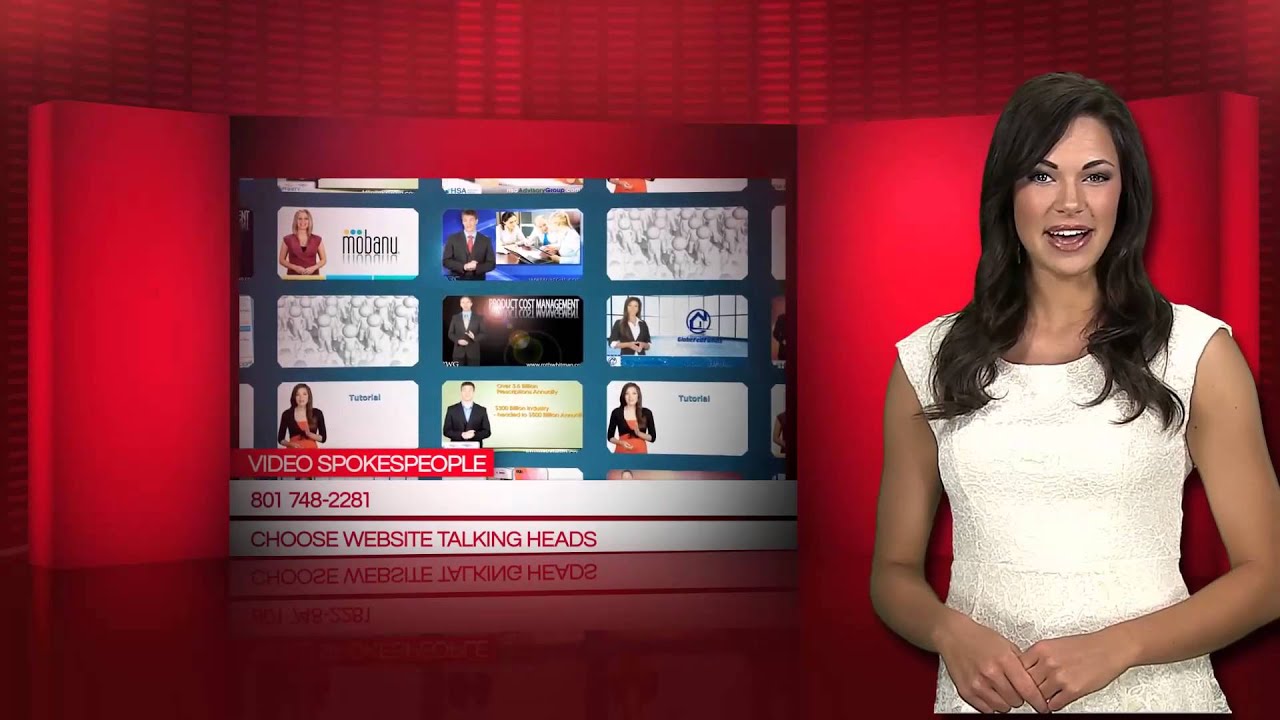
'Opening Acts'
-
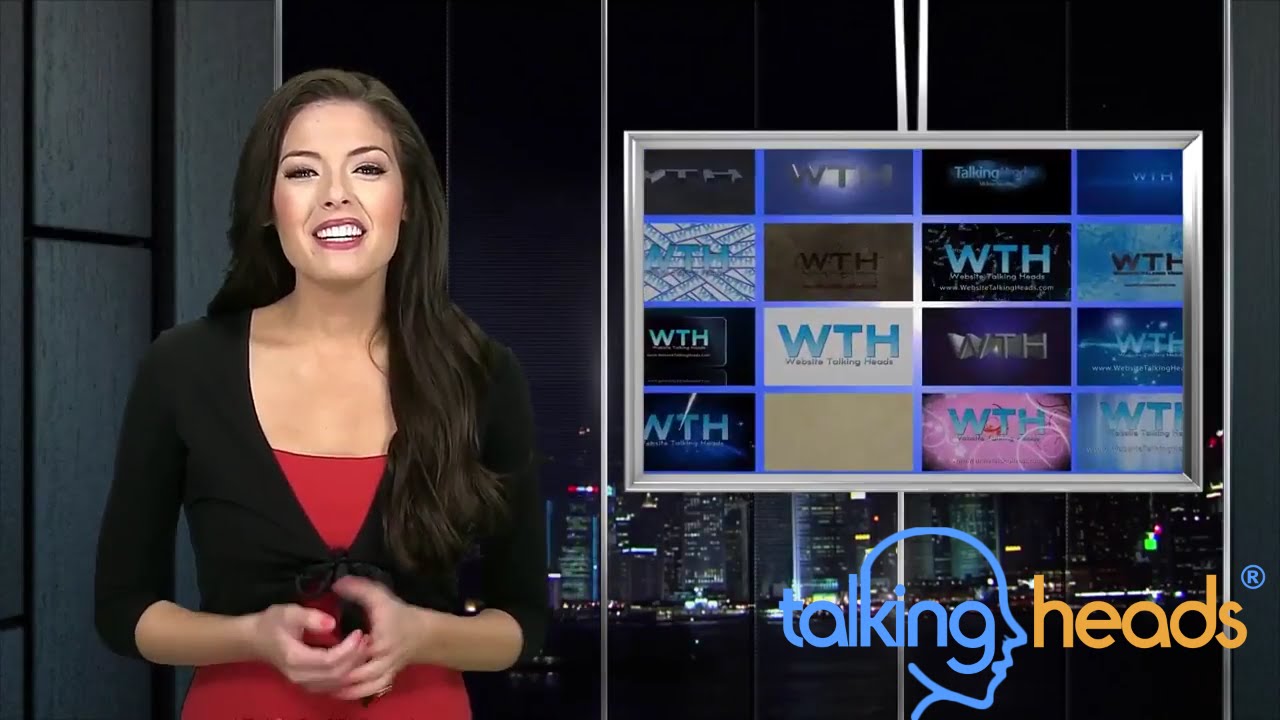
'Executive View'
-
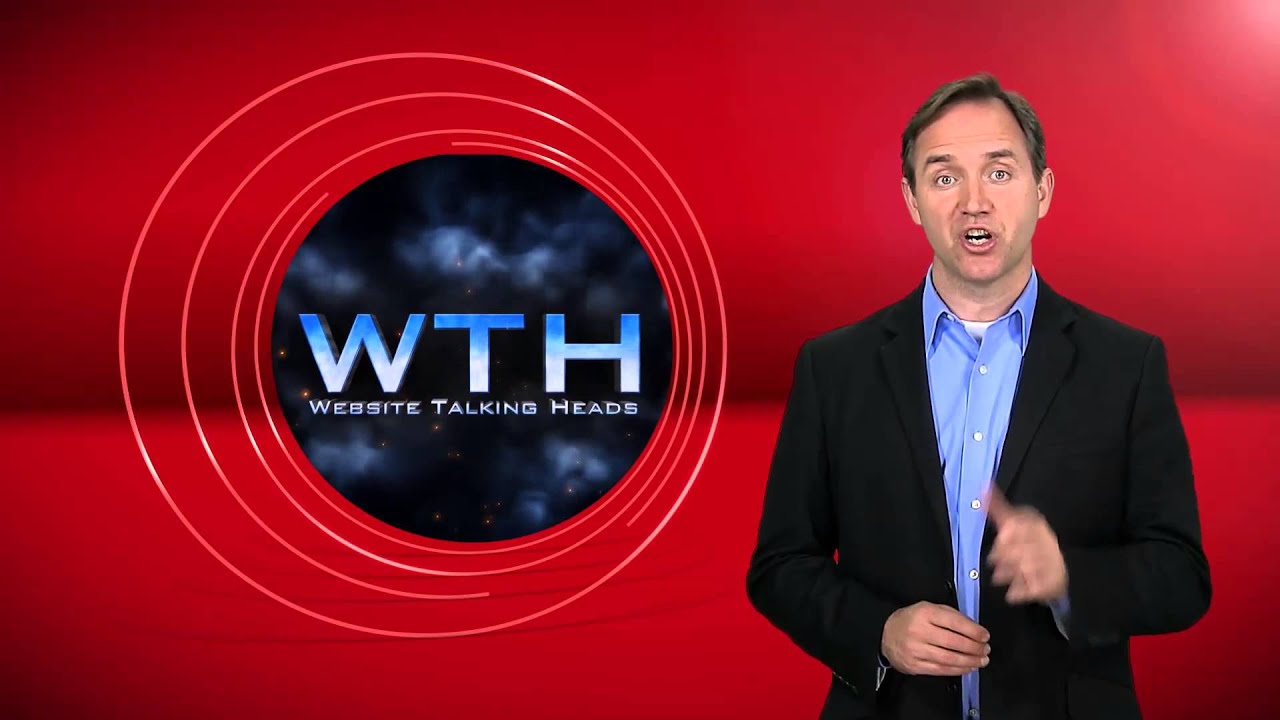
'Concentric Concern'
-
'Corner Office'
-
'Cube Convenience'
-
'Curve Appreciation'
-
'Diagnal Shifts'
-
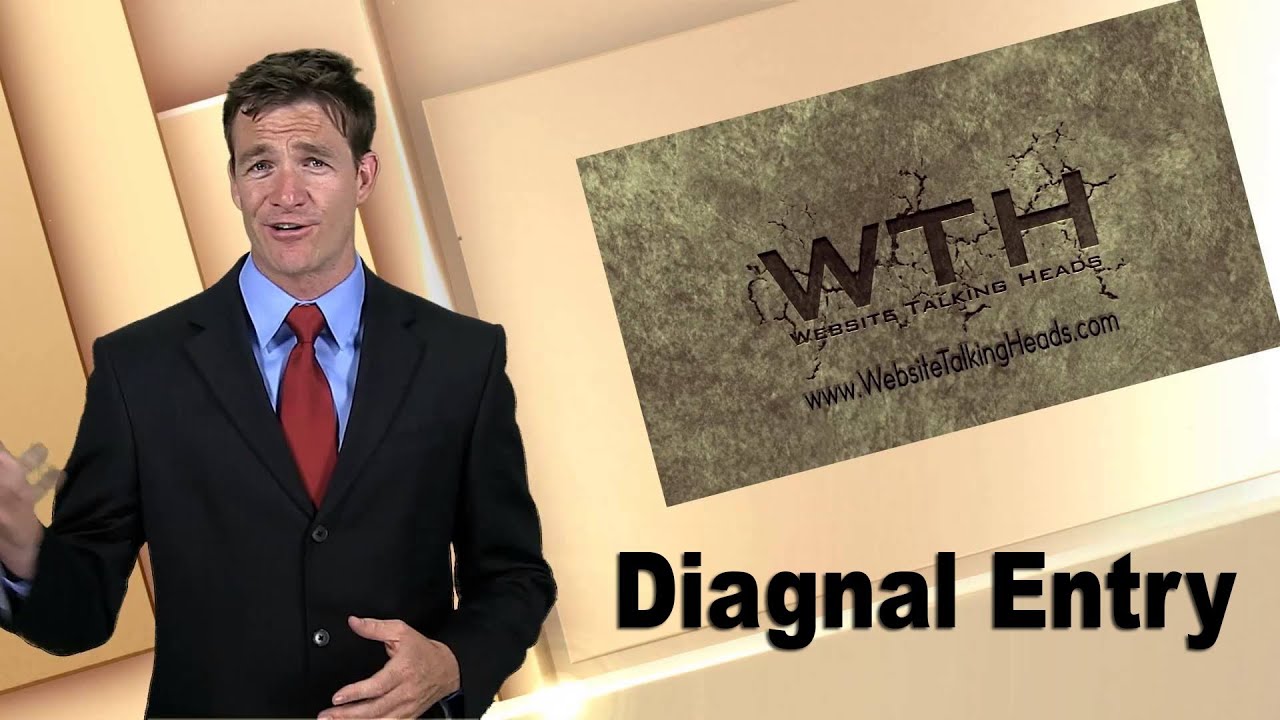
'Diagonal entry'
-
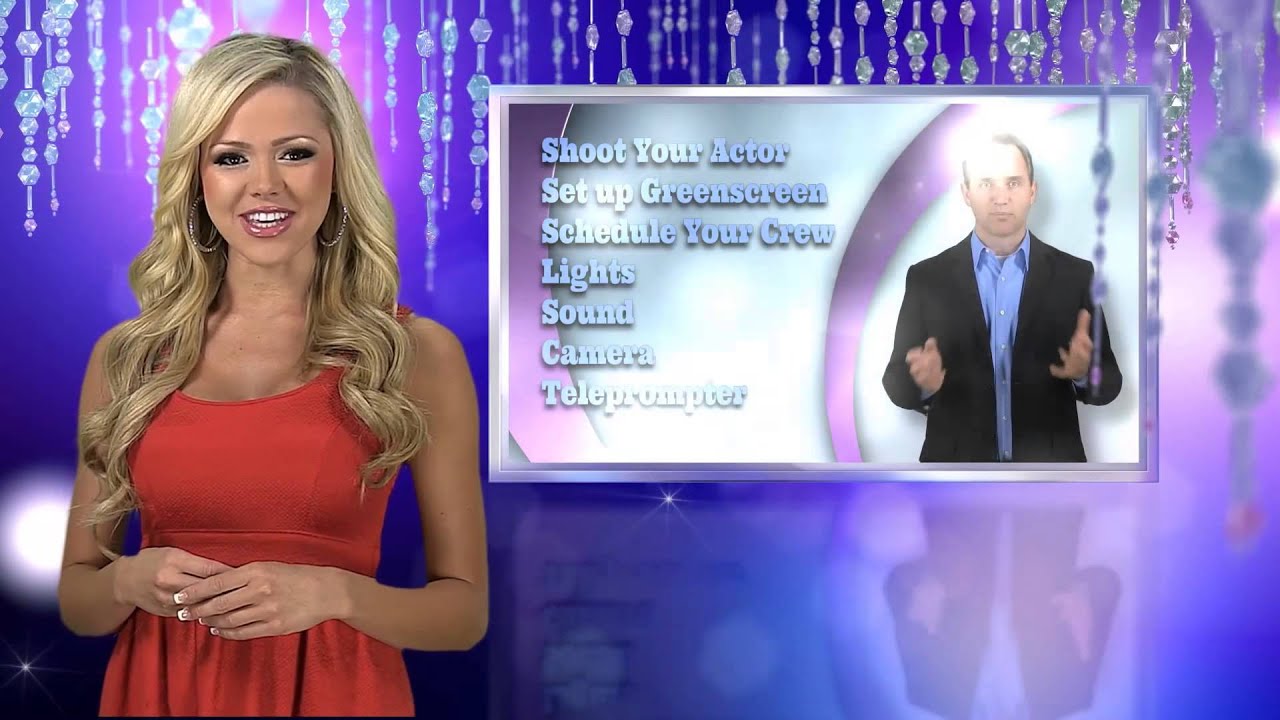
'Enchanting Occasions'
-
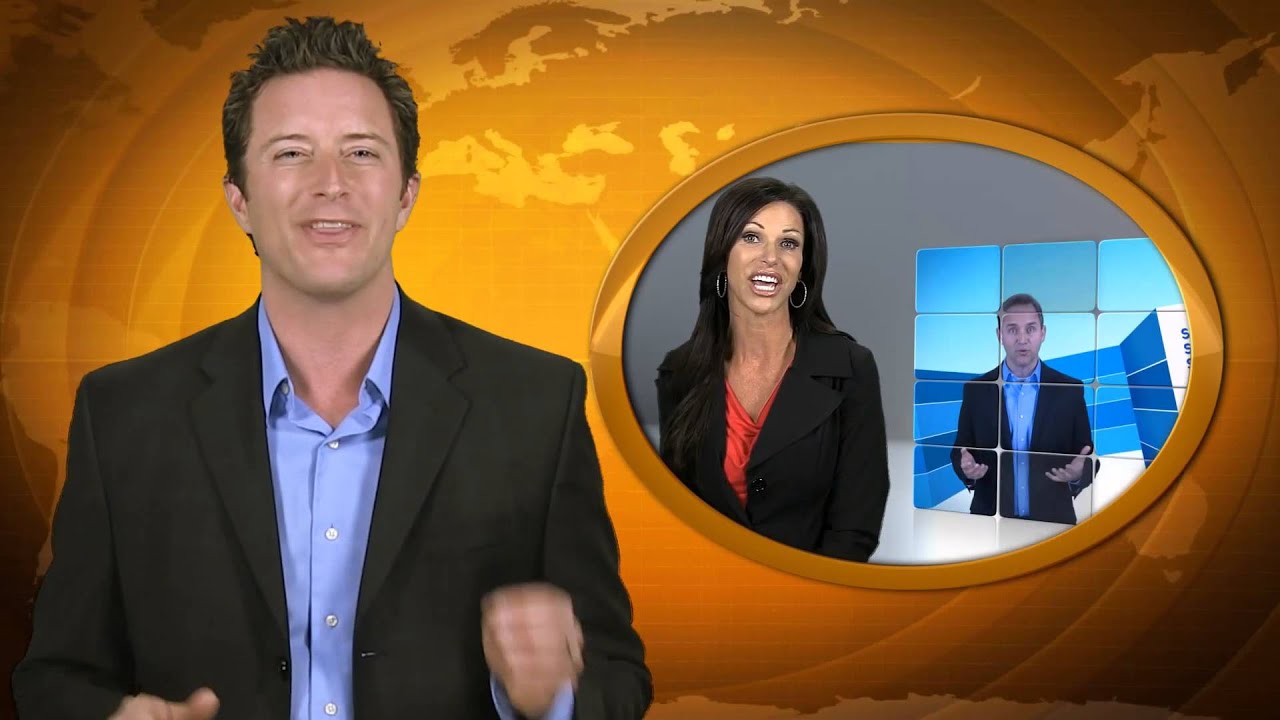
'International Affairs'
-
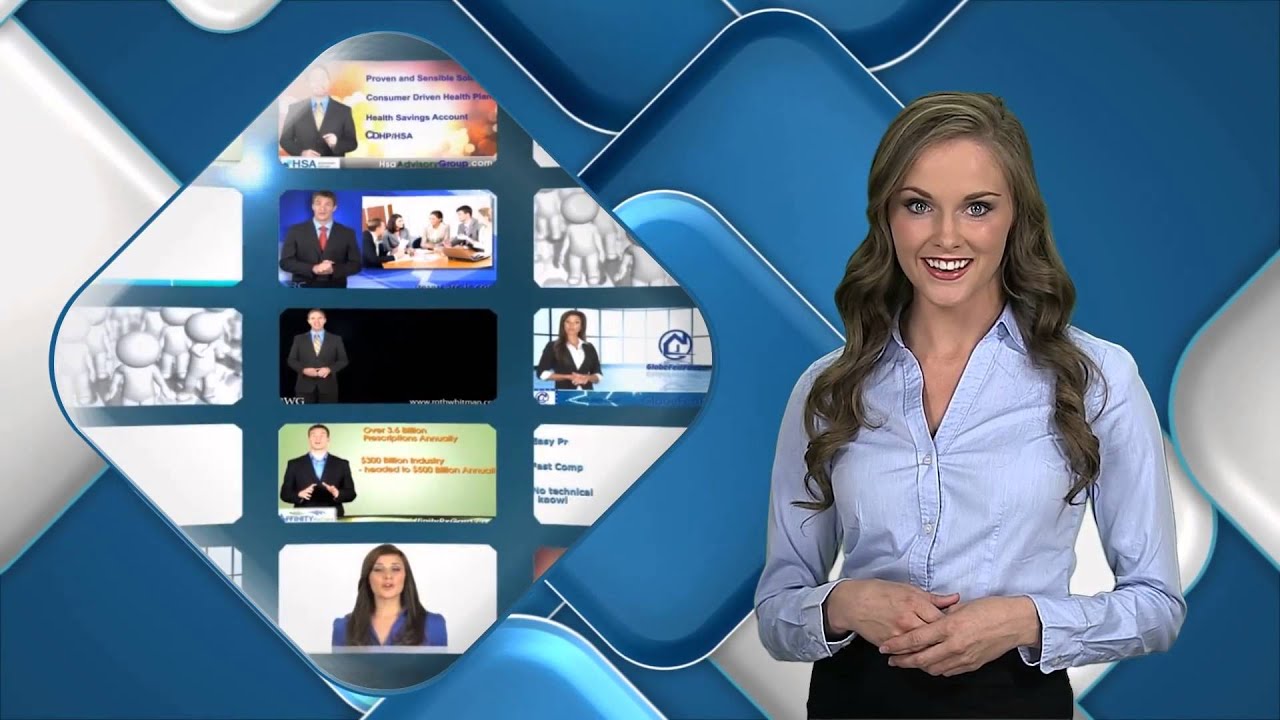
'Rounding Corners'
-
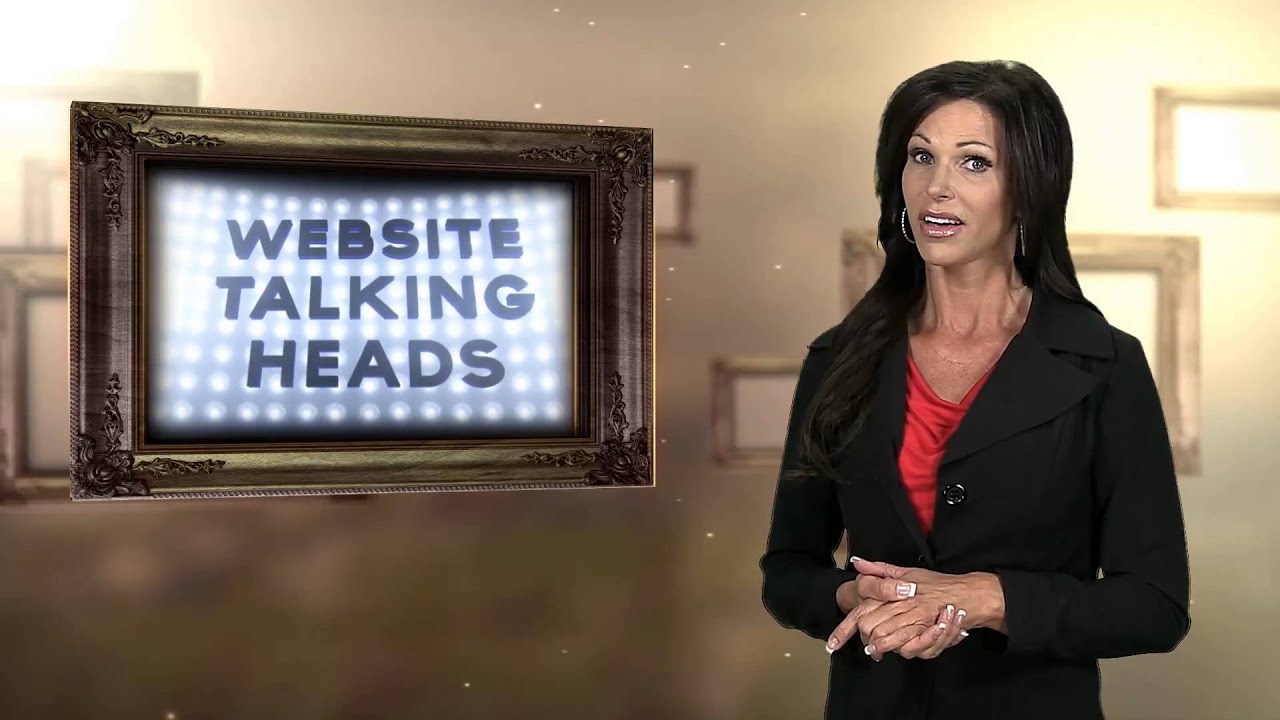
'Sepia Memories'
-
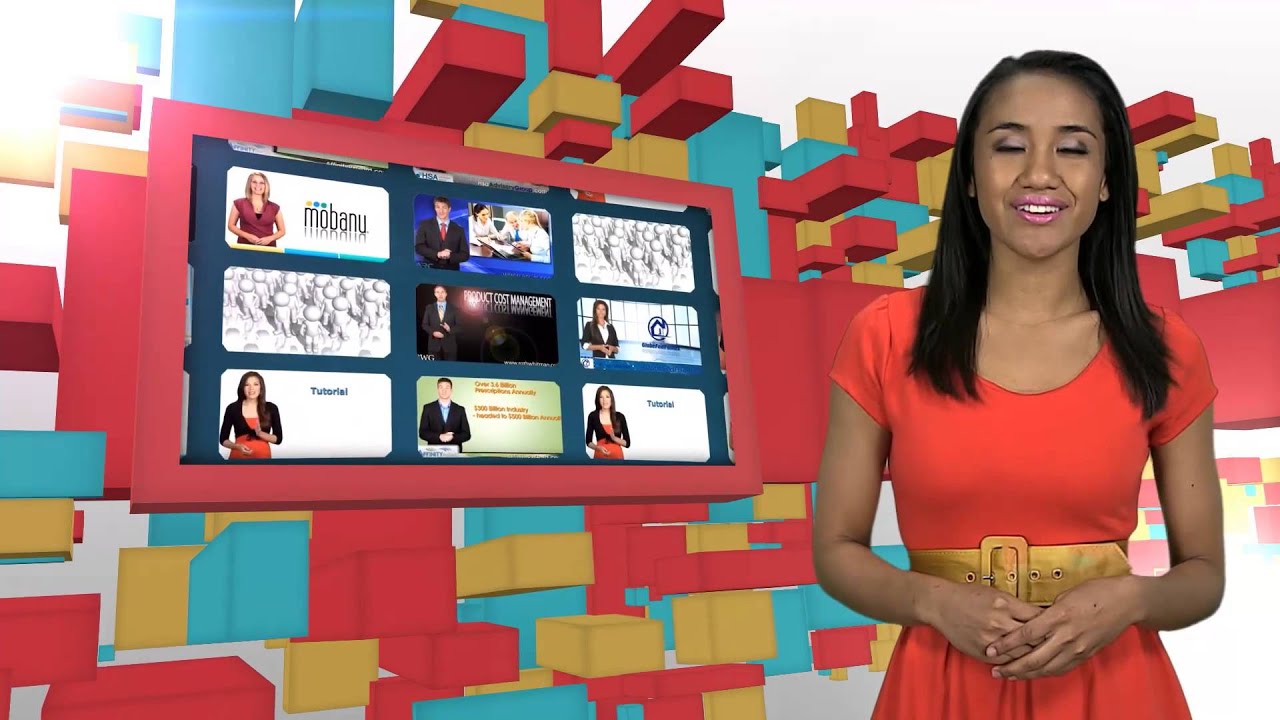
'Segments Site'
-
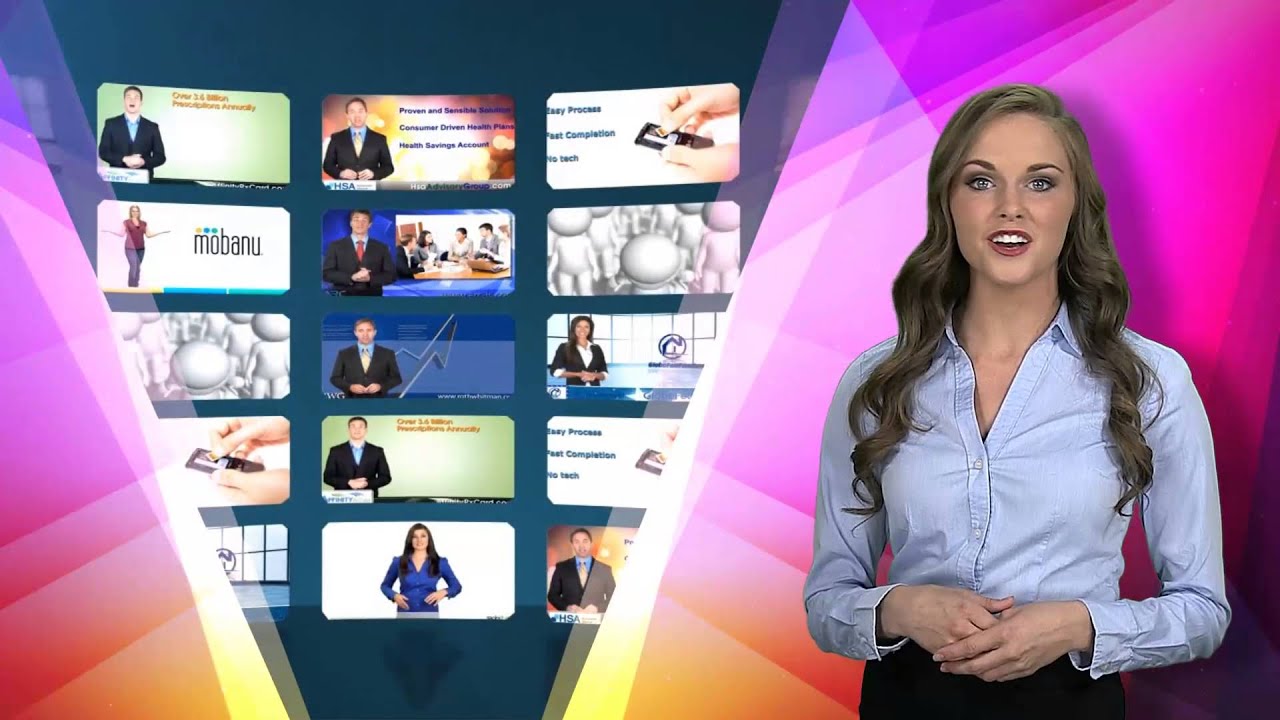
'Shifting Hues'
-
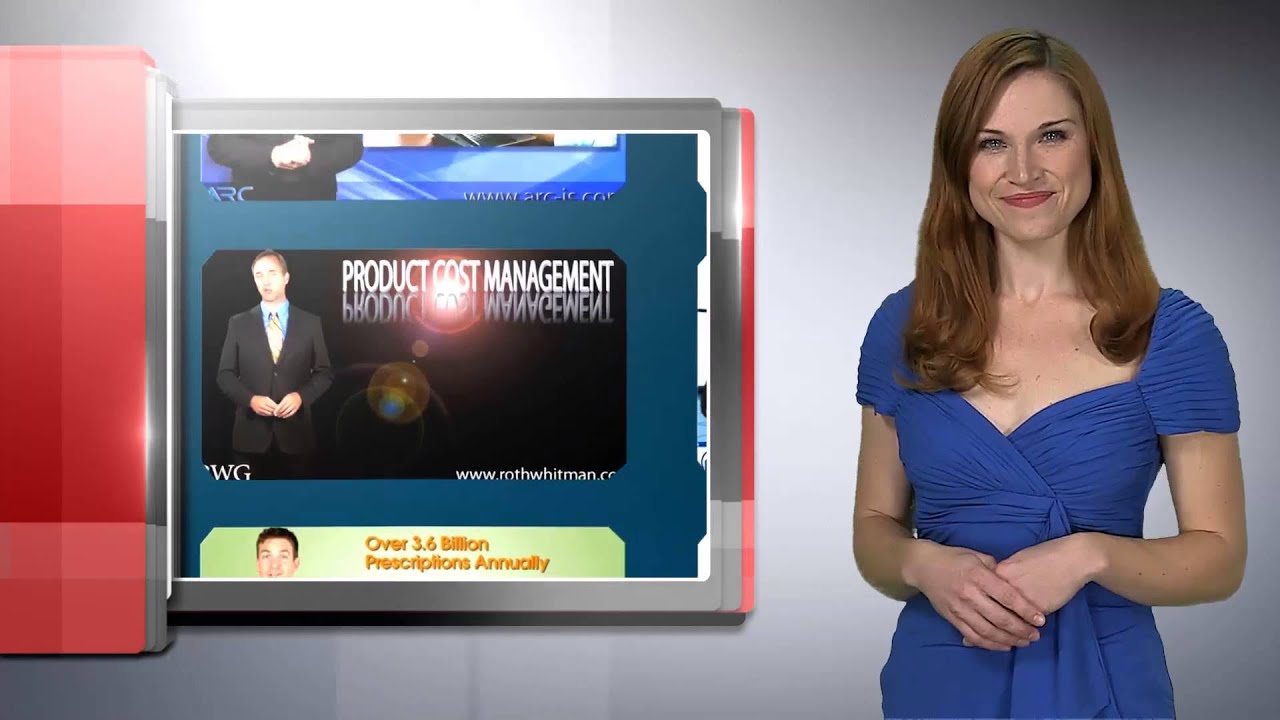
'Solid Proof'
-
'Surface Hues'
-
'Techno Talk'
-
'Vivid Memories'
-
'Bar Keeper'
-
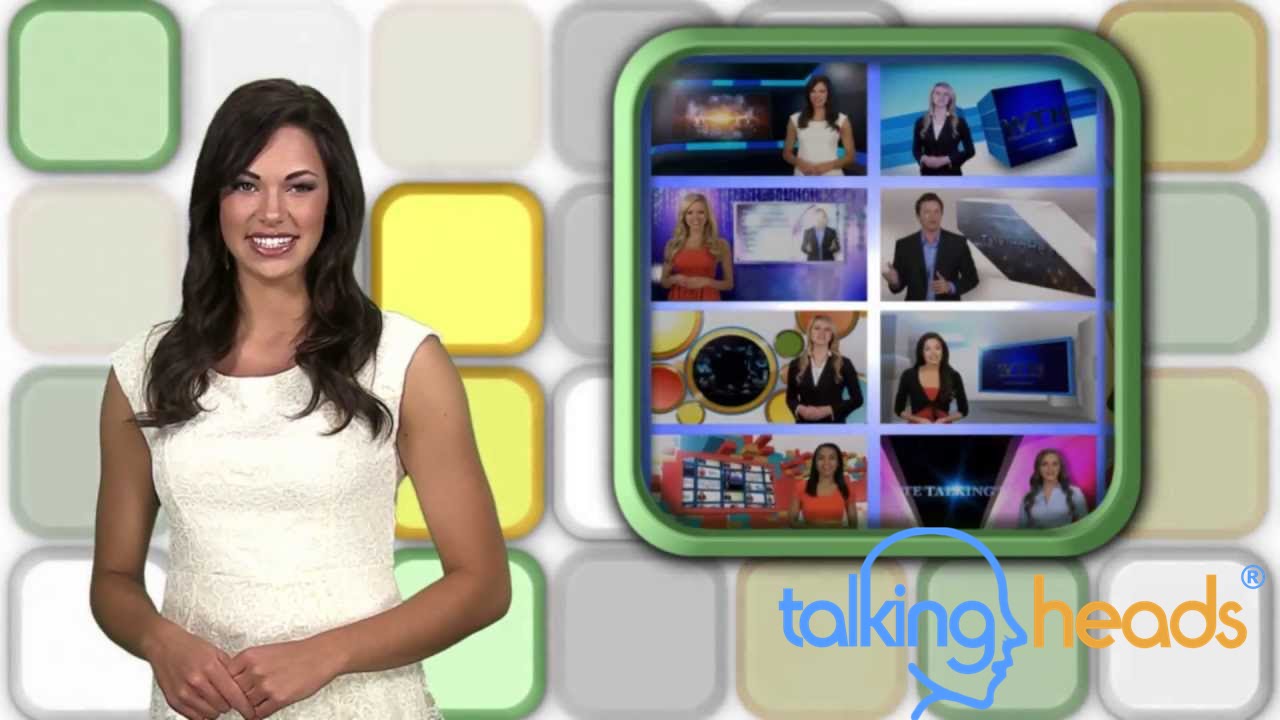
'Corner Tableau'
-
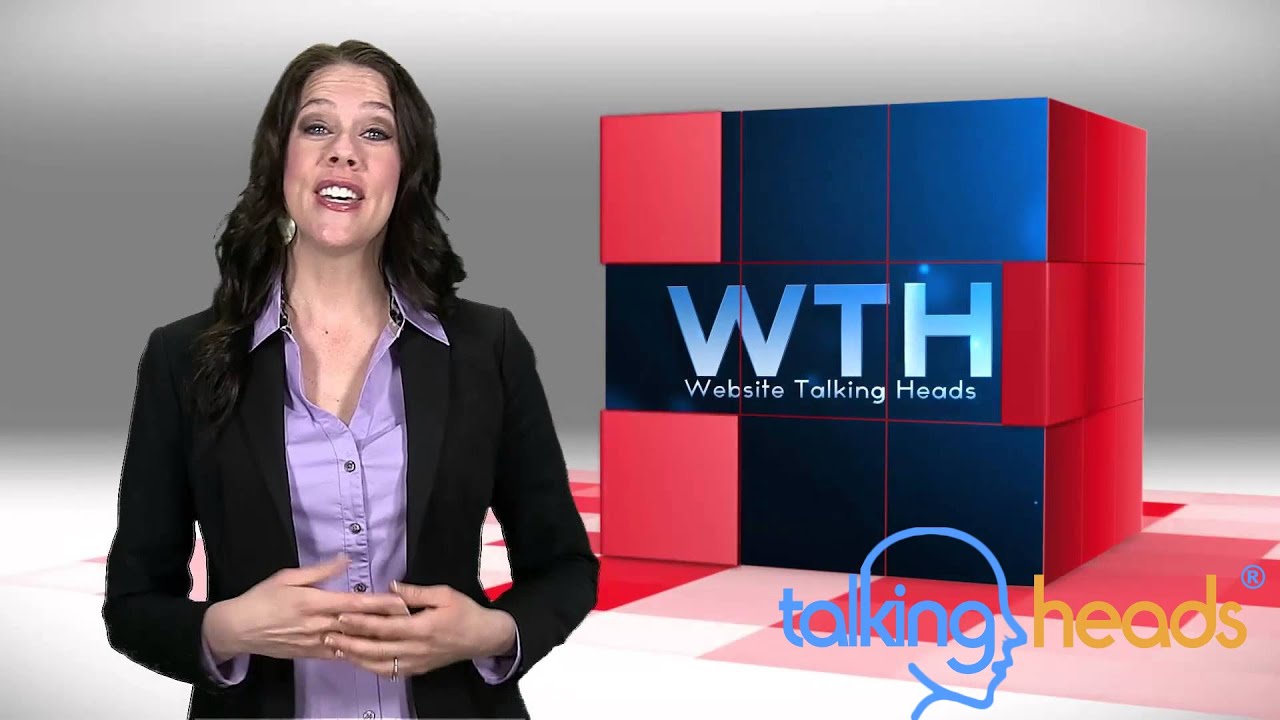
'Cube Drop'
-
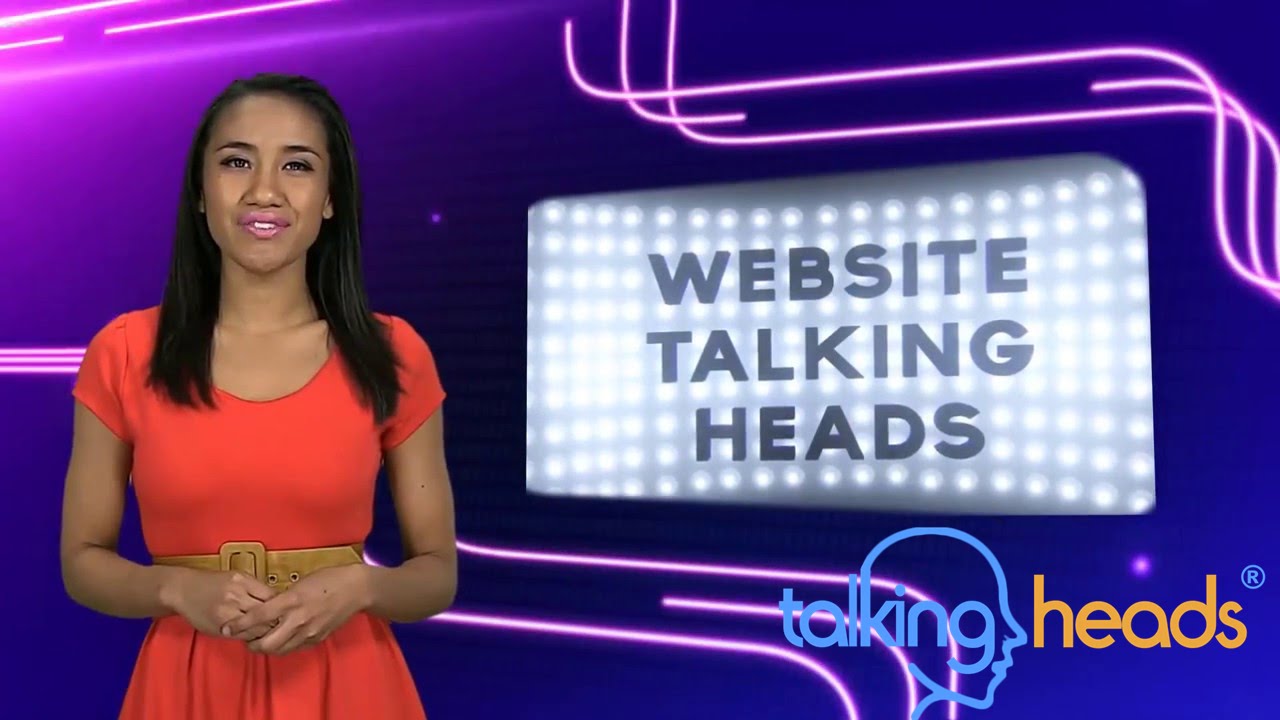
'Neon Trails'
-
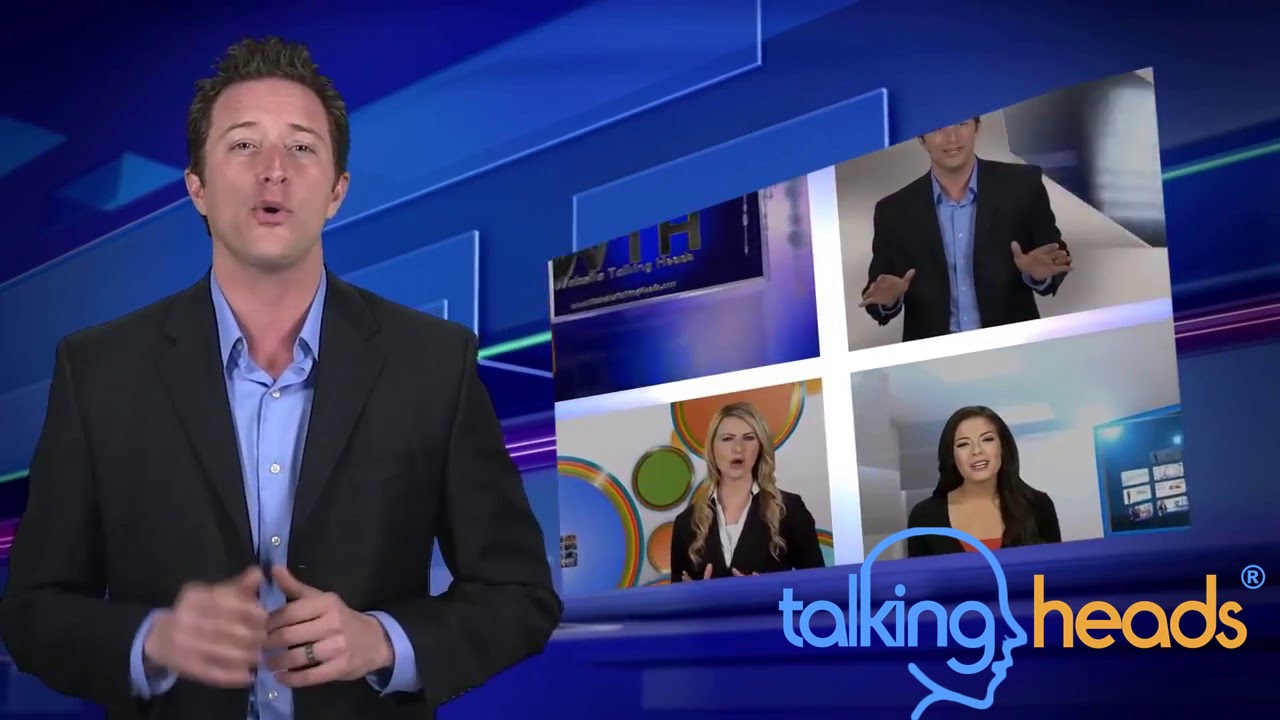
'Flipping Out'
-
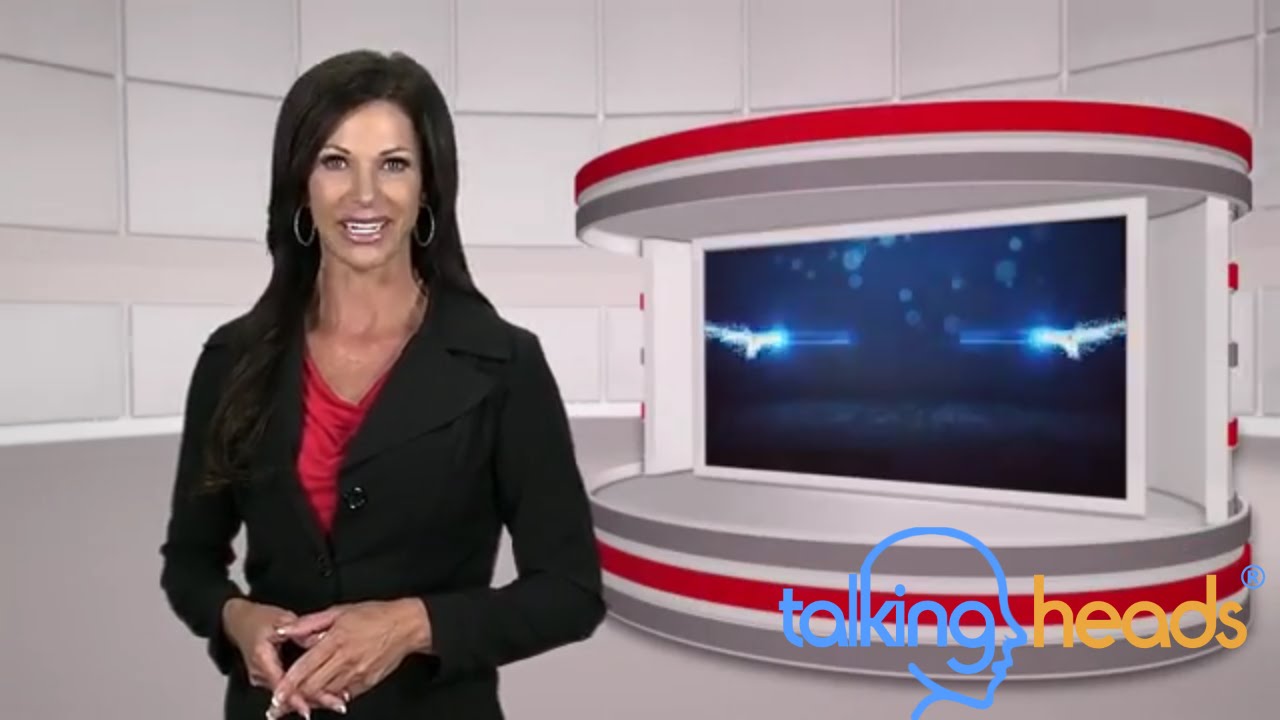
'On a Pedistal'
-
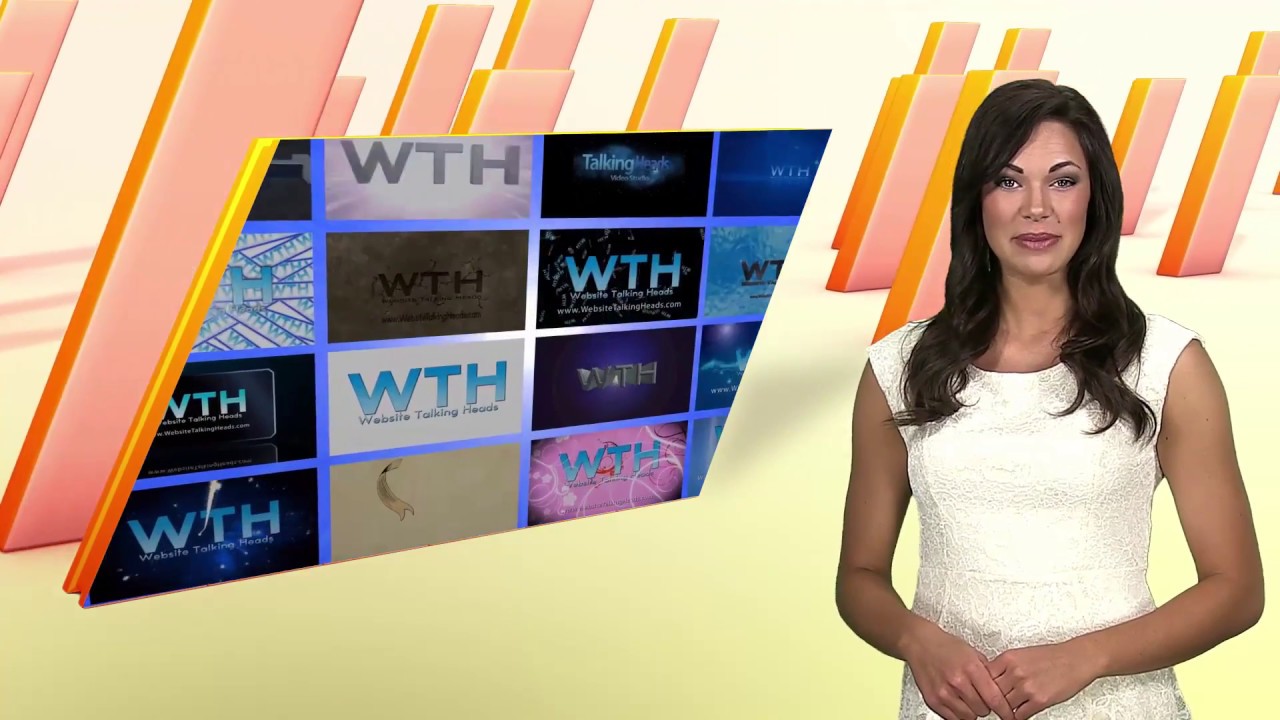
'Raising the Bar'
-
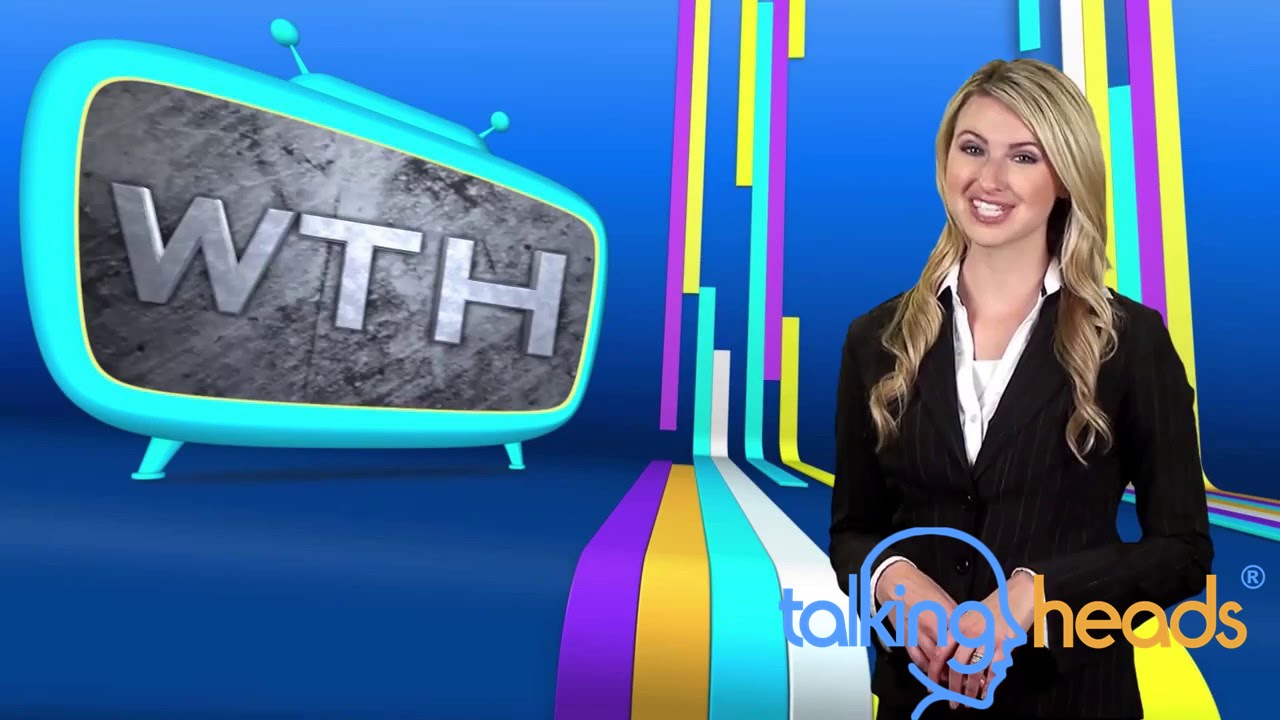
'Riding the Lines'
-
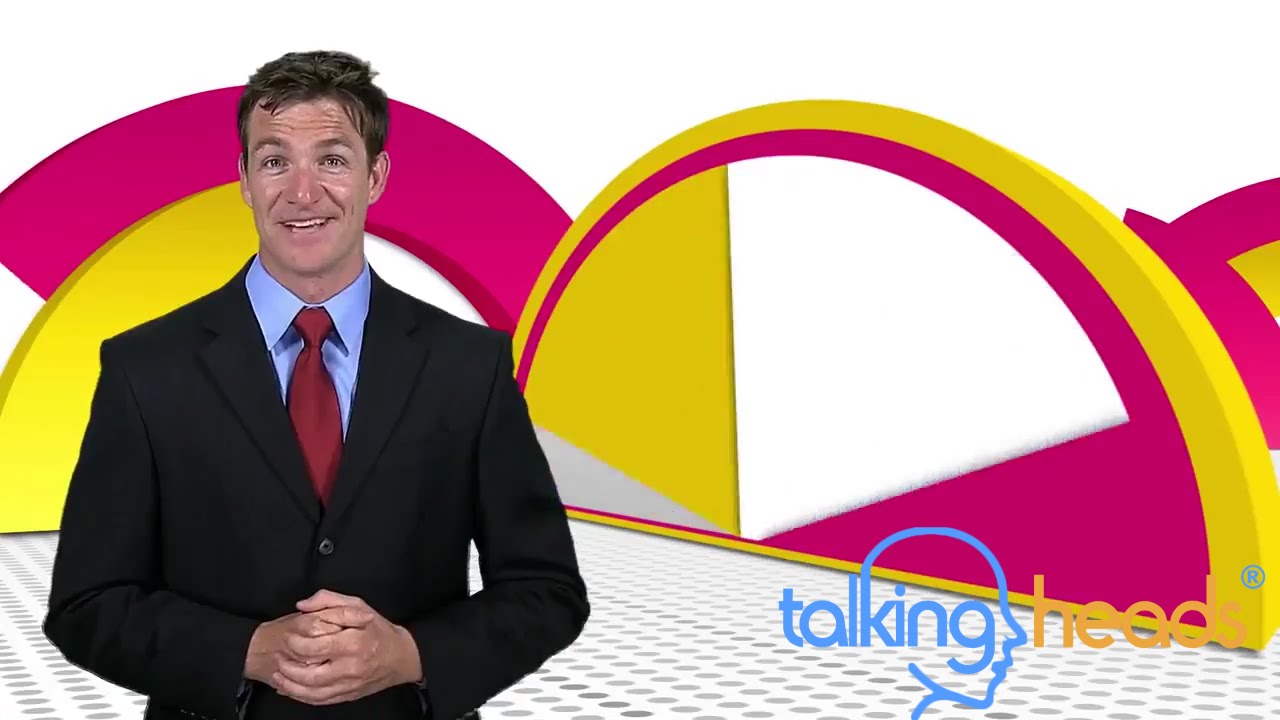
'Semicircle Slice'
-
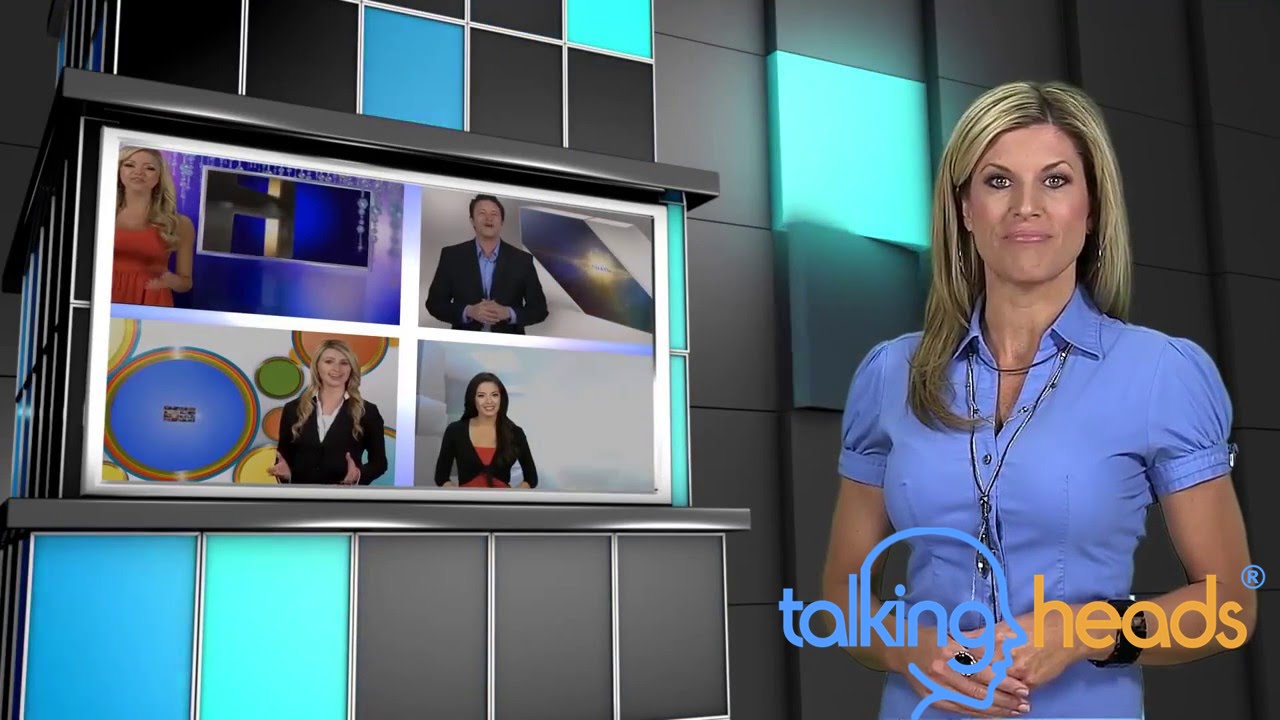
'Shifting Shine'
-
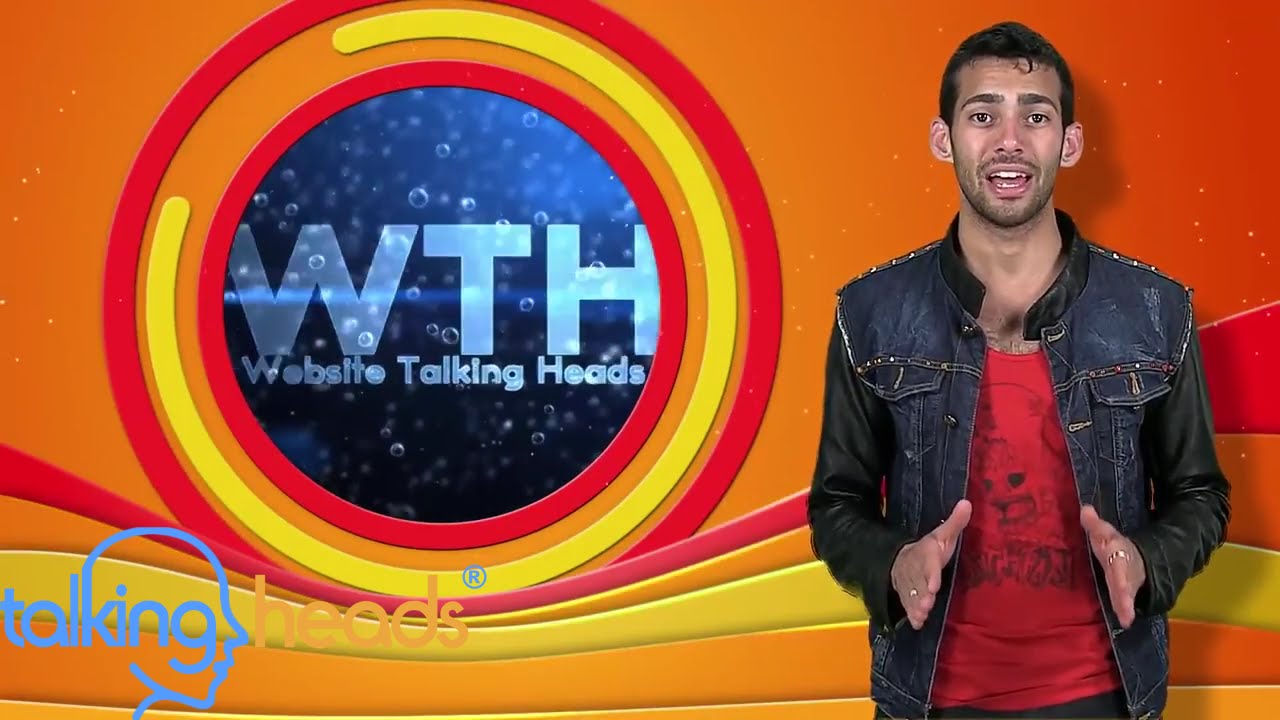
'Shutter Wave'
-
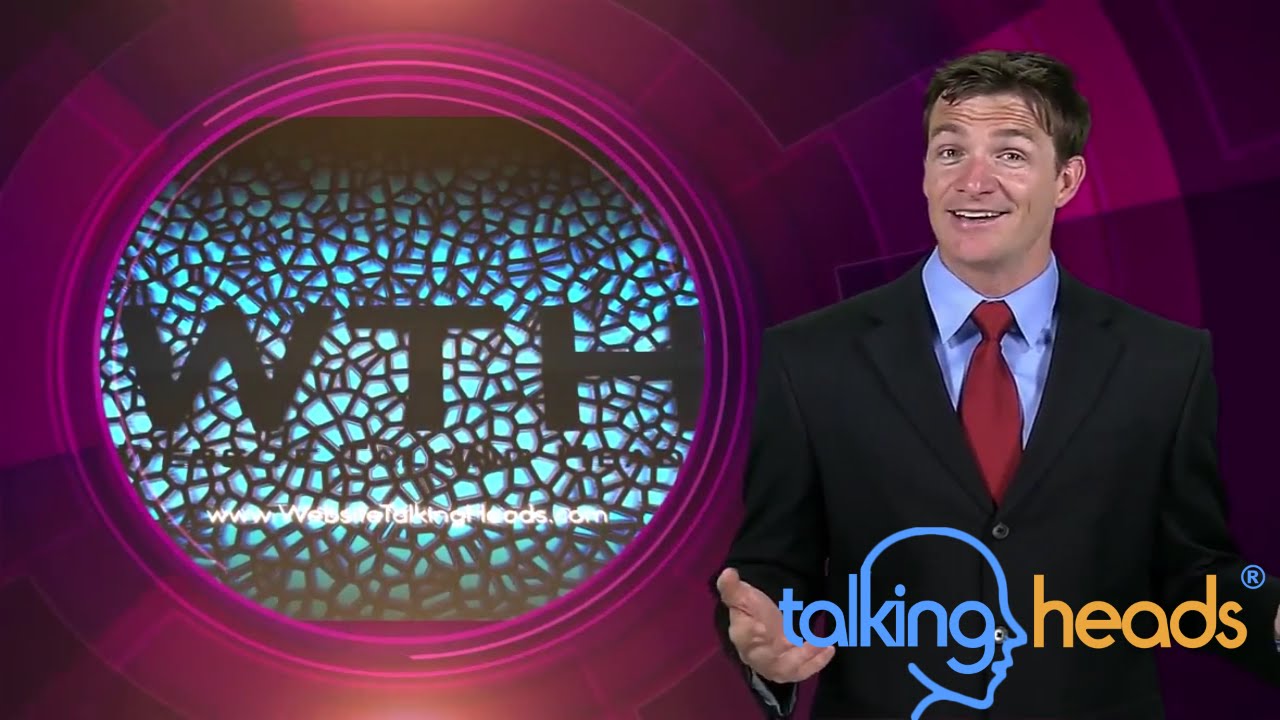
'Spun Spot'
-
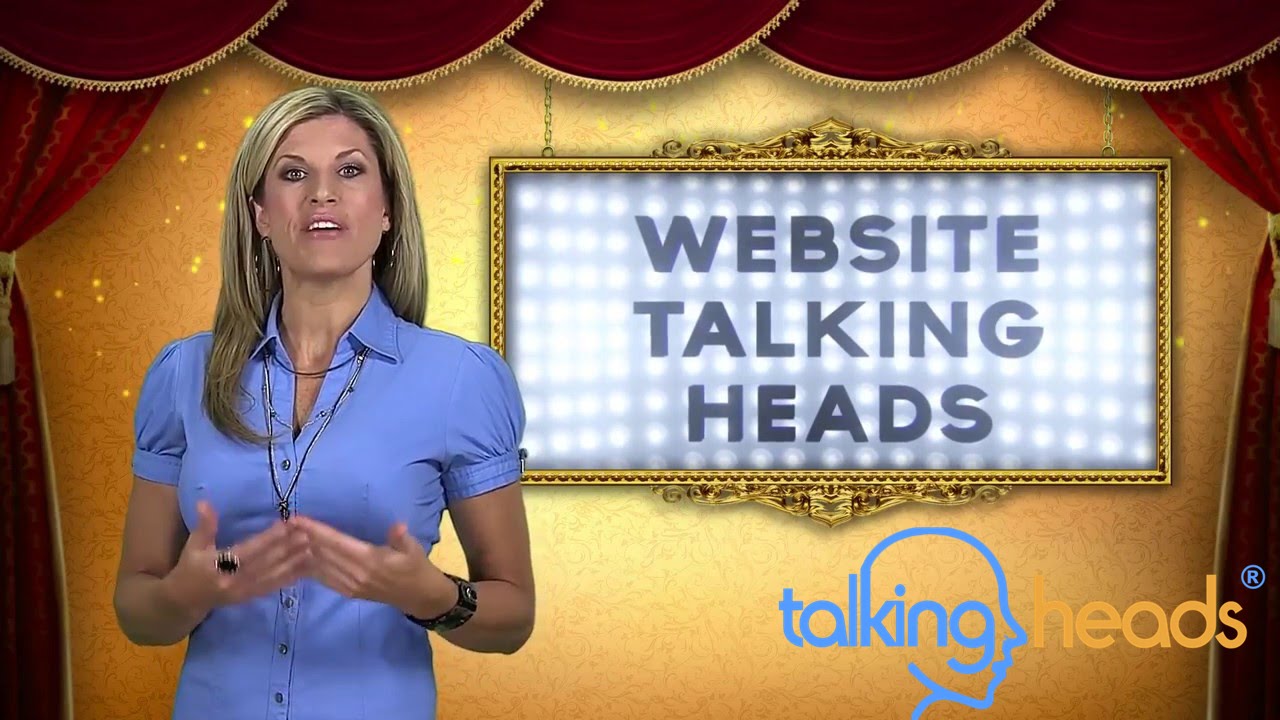
'Stage Scene'
-
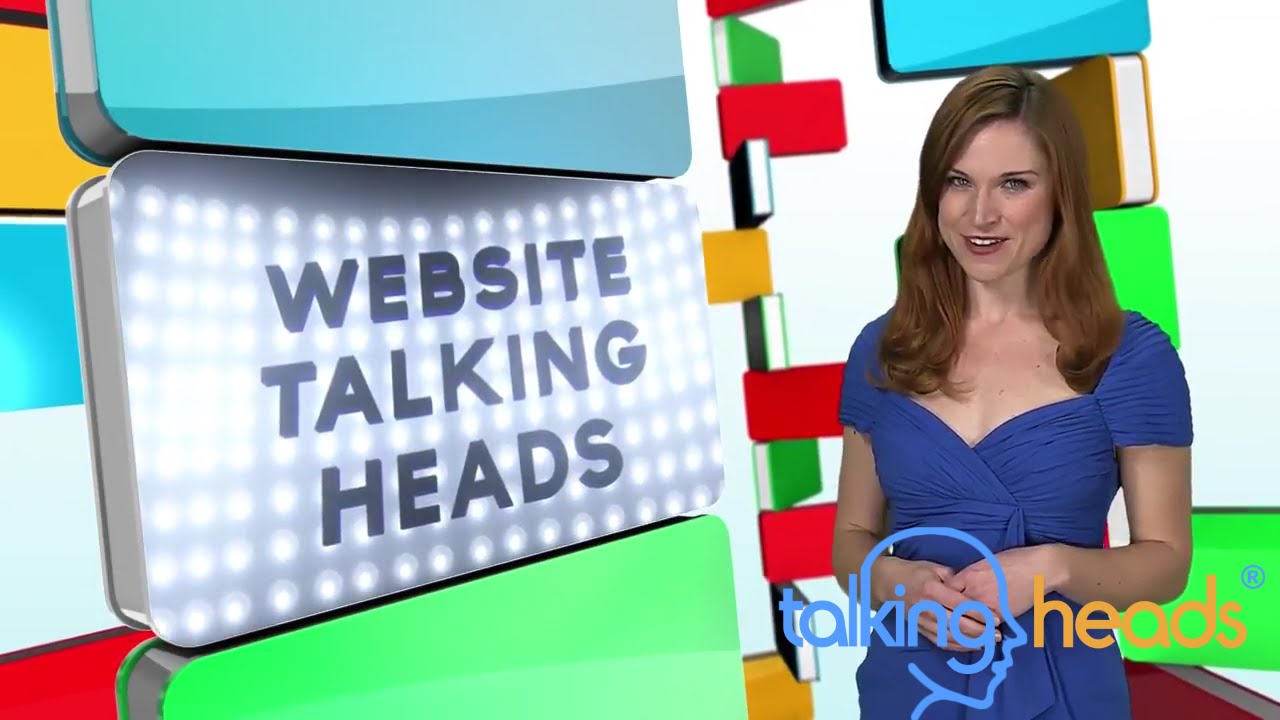
'Tile Mount'
Simple as 1 - 2 - 3
Step 1 Choose Your Package
Purchase the package that will help you best reach your business goal. We recommend giving us call.
Step 2 Video Planning Session
Once you have purchased your package, we will have a creative and strategic consultation where together we will decide what text, images or graphics will appear with the spokesperson.
Step 3 Receive Your Video
2 to 3 weeks after providing us with your specific logos, any other visual elements decided upon, you will receive your completed video.