See a Website Spokesperson in Action

Presentation Showreel
We create videos that enhance your primary vision without breaking your bank.
A website spokesperson puts a human face on your offer: building trust, explaining value in seconds, and guiding visitors toward the next step. Here is how it works, where to place it, and when to choose a different format.
Visitors decide in seconds whether your site feels credible. Text alone can work, but a professional video spokesperson delivers tone, personality, and clarity that copy often cannot match: especially on pages where you need trust before a click.
This guide covers the conversion mechanics behind website spokesperson videos, the best placements on your site, script length, and when a spokesperson is not worth the investment.
We create videos that enhance your primary vision without breaking your bank.
A website spokesperson is a short on-camera presenter: usually embedded on your homepage or a key landing page: who speaks directly to the visitor. Unlike a generic stock clip, a custom spokesperson video is scripted for your offer, your audience, and the action you want next.
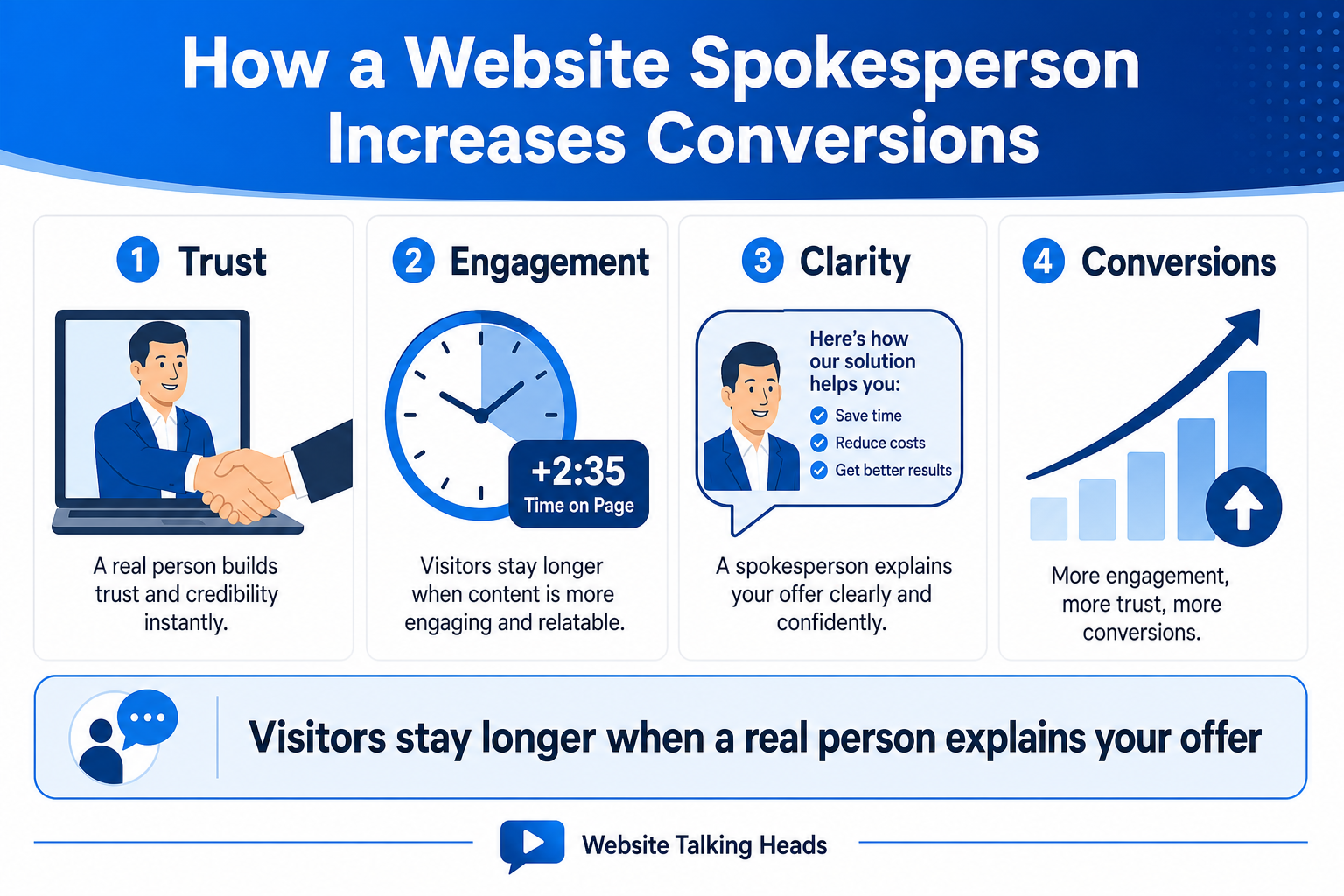
Conversion lift comes from four overlapping effects:
Industry surveys consistently show that most B2B marketers use video and report better lead generation when video is part of the mix. On your site, the spokesperson is not replacing copy: it is compressing your value proposition into the first few seconds while text supports visitors who prefer to read.
Pair a short welcome clip with bullets, FAQs, and a visible CTA. Hybrid layouts outperform video-only pages because they serve both watchers and skimmers.
Placement matters as much as production quality. Put your spokesperson where confusion or hesitation costs you leads. For a full map of which video styles belong on which URLs, see how to match video style to website placement.
Greet first-time visitors, state what you do, and point to your primary CTA within the first minute. This is the highest-ROI test for most businesses.
Use a spokesperson on pages with high bounce rates or abstract offers. SaaS onboarding, professional services, healthcare intake, and financial explainers are strong fits.
A 45–60 second explainer above the fold can reduce “what am I buying?” friction before visitors compare plans or add to cart.
Paid traffic that lands on a dedicated URL should hear the same message your ad promised. Match script tone to the campaign for message continuity.
Most homepage and landing-page spokesperson scripts perform best between 30 and 90 seconds. Structure matters more than runtime:
Keep jargon out of the opening line. If you need talent guidance, see how to choose a video spokesperson before you finalize the script.
Text-only pages load fast and work well for technical documentation. A spokesperson homepage wins when you sell a service people do not instantly understand, when credibility is the bottleneck, or when mobile visitors skim and respond to a face more than long paragraphs.
Do not remove written copy when you add video. Search engines and accessibility still need text. The spokesperson handles the emotional first impression; your headings and bullets handle depth.
Video is not automatic ROI. Consider alternatives or delay production when:
For a full tradeoff analysis, read our website spokesperson pros and cons guide. Formats like green screen spokesperson videos and whiteboard explainers may fit better depending on budget and update cadence.
Track metrics on the URLs where the video lives. Not site-wide averages alone:
Pilot one high-traffic page first. If engagement and leads improve, expand to additional service pages or specialty placements such as exit-intent video players.
Ready to test a spokesperson on your homepage or top landing page?